
20 Stages
Take on gradually longer targets, from 0.5 to 10 seconds.
Little moves, big giggles.
Collect motion time across 20 playful stages with your iPhone’s accelerometer.

Meet the baby on the sky-themed title screen and start playing from the baby’s room. Expressions and giggles accompany every little movement. English screenshots preview the next app update.
Choose from four wardrobe items in the baby’s room, check the target time, and start playing.
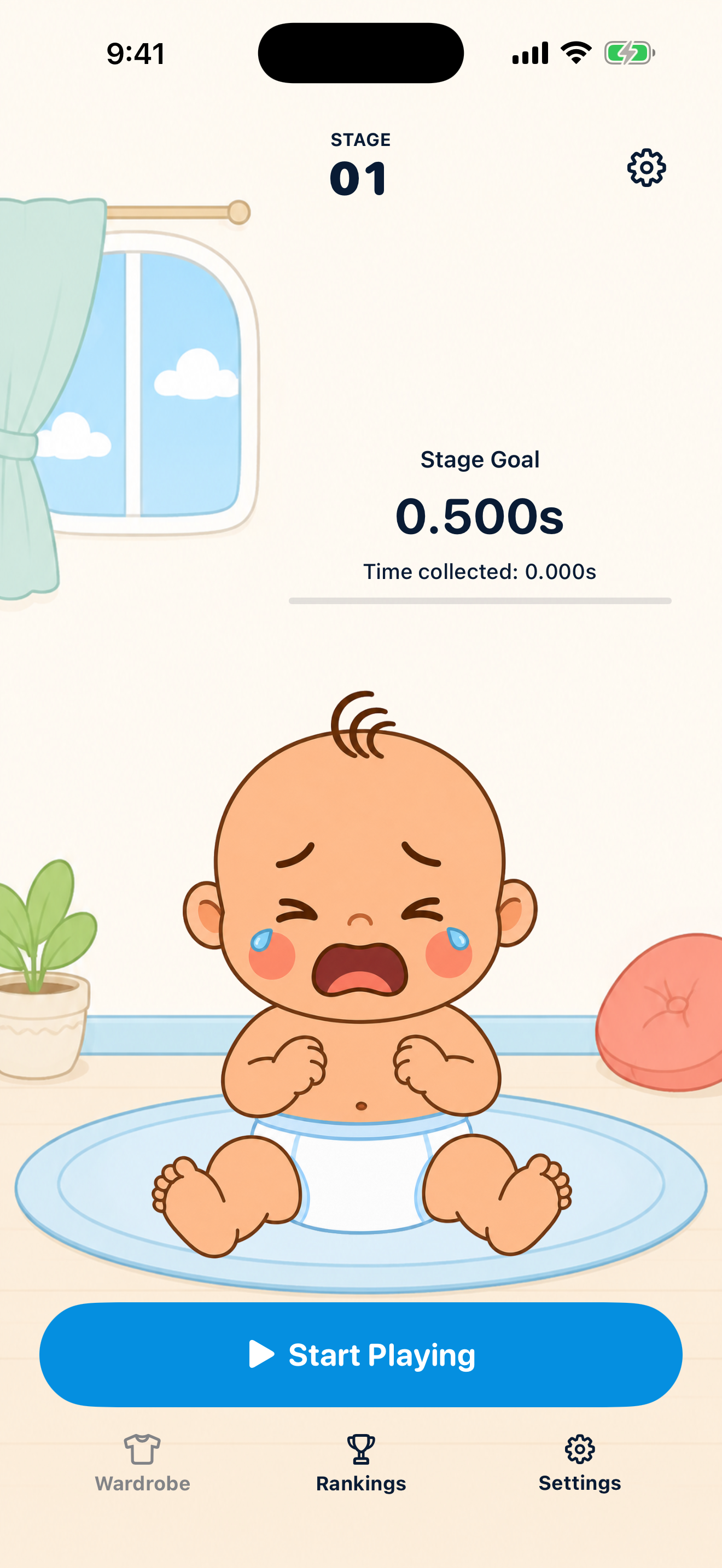
Valid motion intervals add to your progress for the stage.
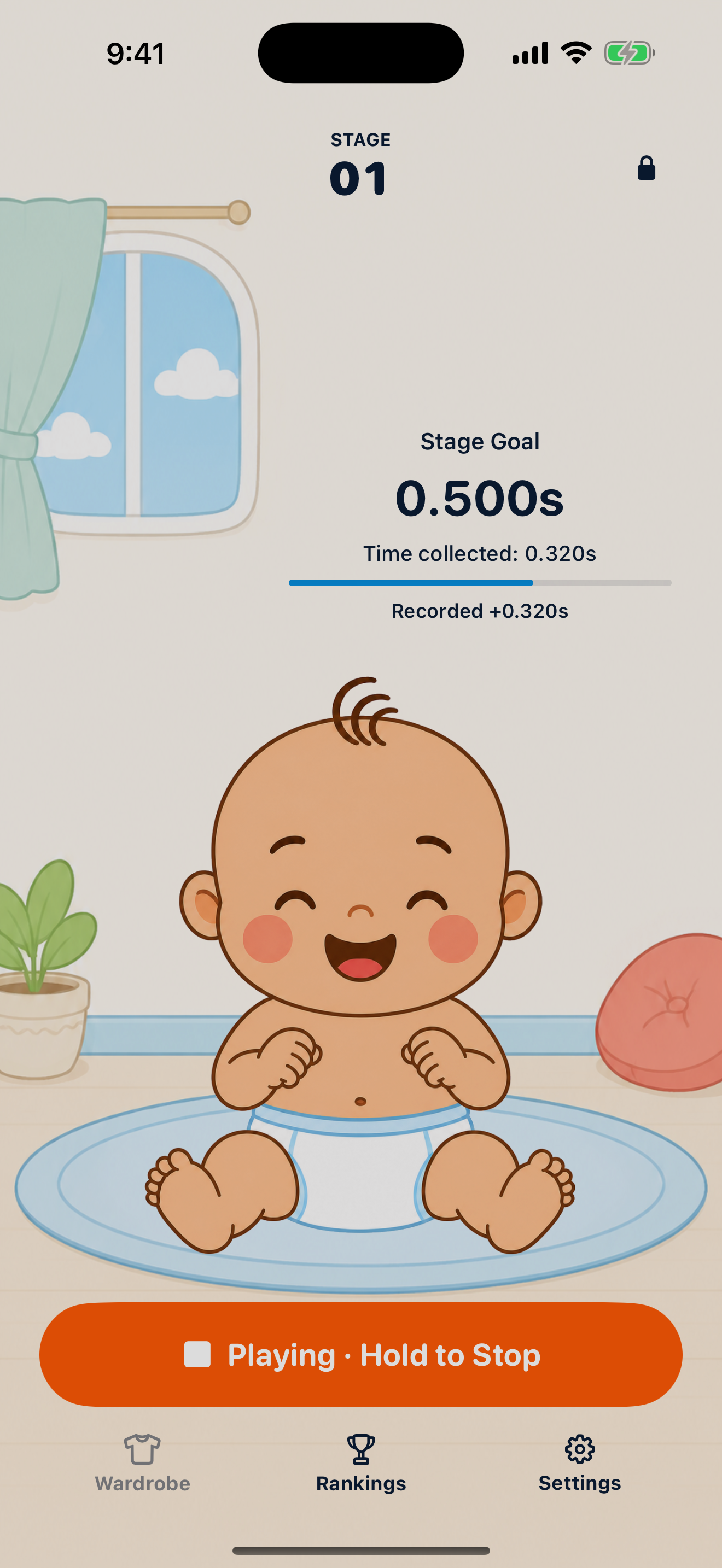
Reach the target and move to the next stage. Finish all 20 to see the ending and start again.
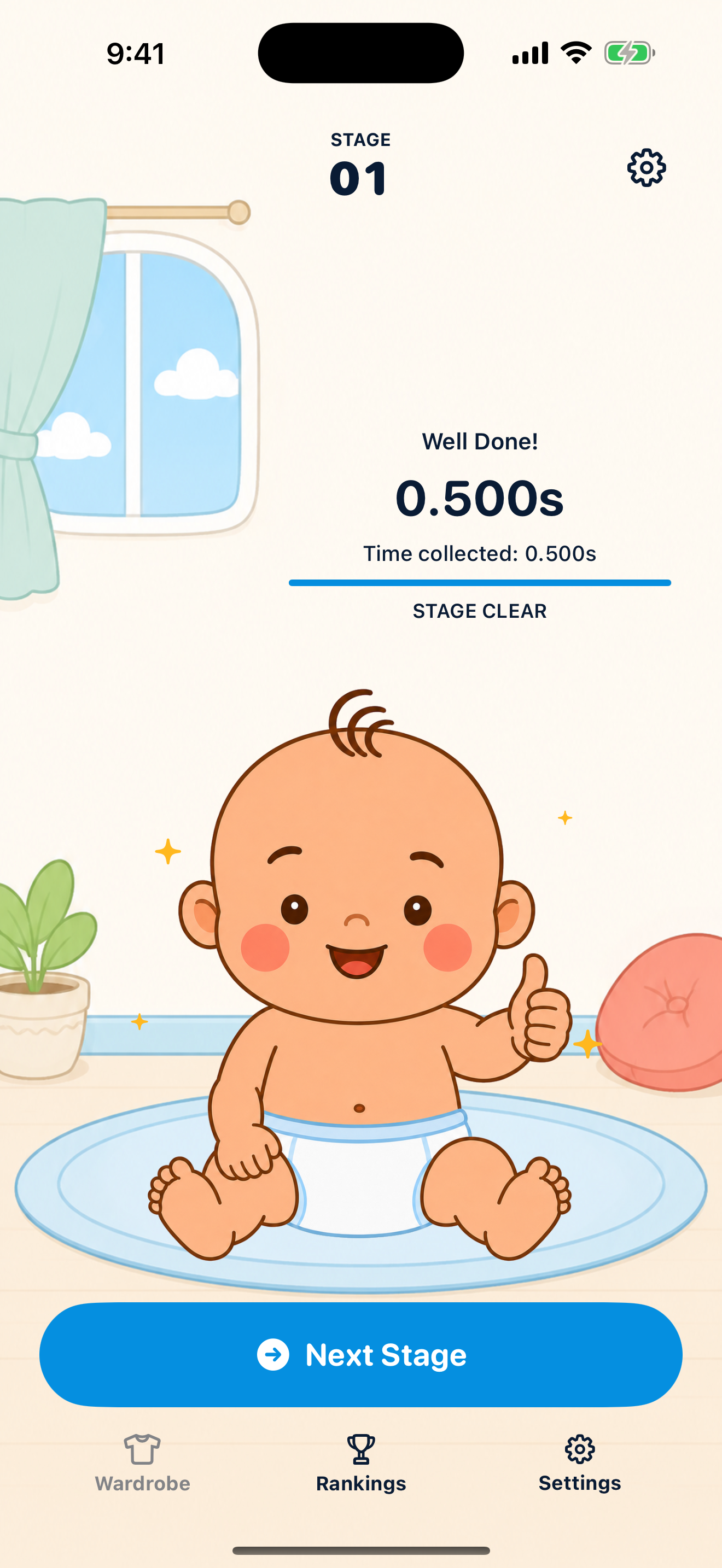
Take on gradually longer targets, from 0.5 to 10 seconds.

The baby’s reactions change as you play. Gentle background music continues from the title screen into the room and plays at the ending.

See your scores on daily, weekly, and all-time leaderboards.
AirGiggle has no advertising or analytics tools and does not send sensor data to the developer’s servers.