Stay with
your audience.
A presentation timer for iPhone and Apple Watch.
Feel the time. Keep the room.
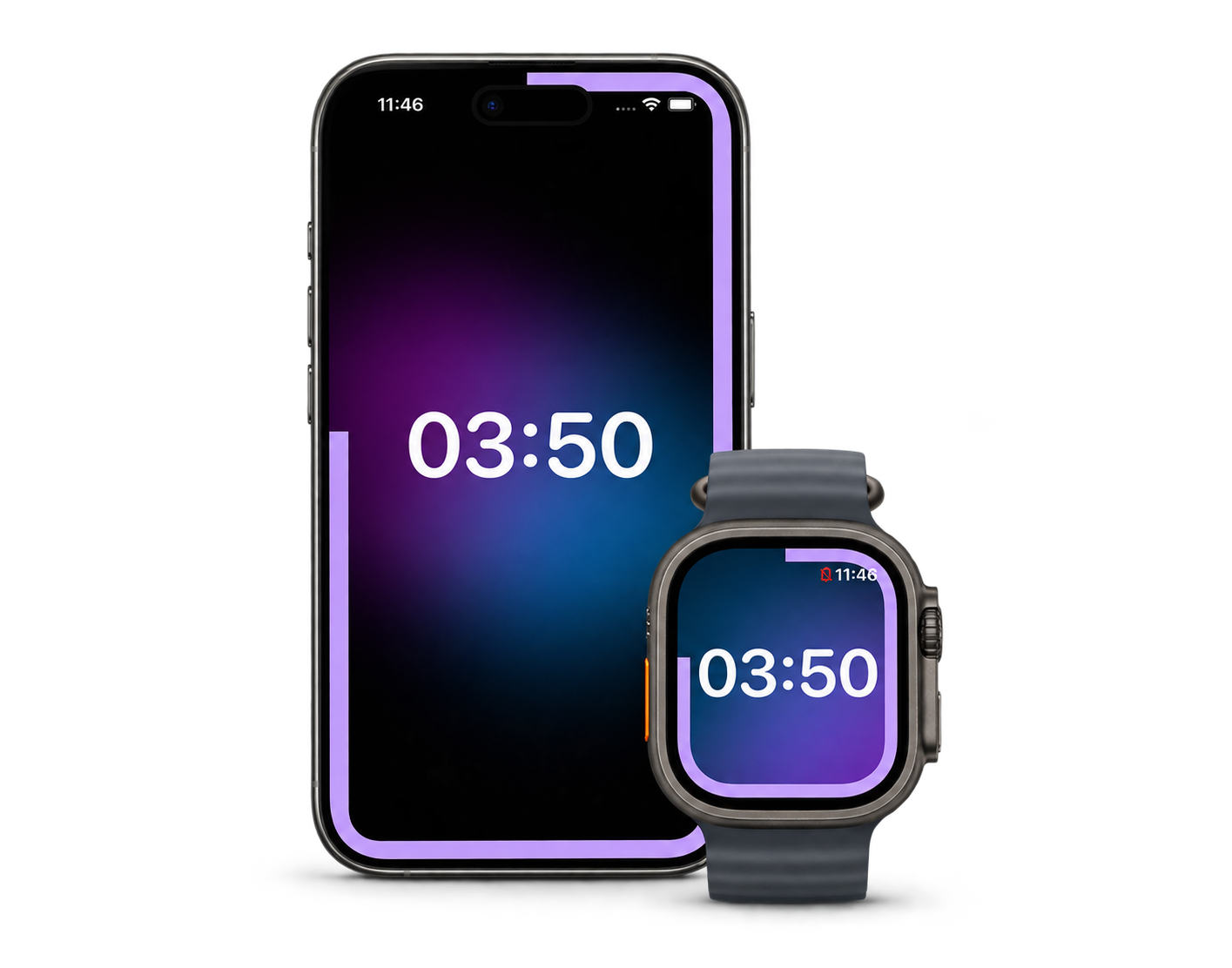
iOS 17+ · watchOS 10+
One talk.
One shared rhythm.
Start on either device. Stay on the same time.
Find your pace.
Set 1–60 minutes. A tap is all it takes to begin.
Visual preview of version 2.3. Haptics happen on your devices.
A glance.
And you’re back.
Only what you need, when you need it.
Tap to change the view. Double-tap for percentage.
A quiet nudge.
Right on time.
Choose the moments you want to feel.
Haptic behavior follows your device and system settings. Optional Watch notifications need permission.
Ready in three simple moves.
Set your time.
Swipe on iPhone. Turn the Digital Crown on Watch.
Tap to begin.
Start on either device. Your paired timer follows.
Keep your focus.
Tap for ring-only. Hold to stop while running.
Hold while idle to open Options and choose your display and haptic settings.
A few things
to know.
Do I need an Apple Watch?
You can use the timer on iPhone. Pair an Apple Watch to follow the same timer and receive wrist haptics.
How do I change the display?
While the timer runs, tap once to hide the numbers and background, leaving only the progress border. Tap again to restore them. Double-tap to switch between remaining time and percentage. The percentage view is chosen separately on each device.
What happens when I lower my wrist?
In version 2.3, the Watch app can continue a timer using an extended runtime session while that session remains available. Haptics depend on the app and system state. Optional Watch notifications are separate, off by default, and require permission; their delivery, sound, and haptics follow Watch settings.
Which devices are supported?
PitchVibe requires iOS 17 or later on iPhone and watchOS 10 or later on Apple Watch. To share a timer, use an Apple Watch paired with your iPhone and keep the devices connected.
Your talk
is yours.
No account. No ads. No analytics in the app.
On your devices.
Your preferences and most recent timer state stay in on-device app storage.
Between your paired devices.
Your iPhone and Apple Watch share timer state and settings using Apple’s Watch Connectivity.
A clear privacy policy.
App storage, website visits, and email support are explained separately.
Read the full privacy policyA little help, when you need it.
Have a question or run into an issue? Email us with your device, OS version, and app version.
bkchoi@me.com